
Online Ordering and Payment Processing for Phoenix and Scottsdale Food and Beverage Businesses
If you own a restaurant, café, bakery, catering company, or any other food and beverage business in Phoenix or Scottsdale, setting up online ordering with solid payment processing behind it doesn’t have to be complicated — but it does require making the right choices up front. The short answer: you need a payment gateway or POS platform that connects your online ordering directly to your merchant account, deposits funds quickly, and doesn’t eat your margins with platform fees or surprise charges. The sections below will walk you through exactly how to do that, what to avoid, and what actually works in the real world for Valley food businesses.
Why Online Ordering Matters More Now for Valley Restaurants and Cafés
Phoenix and Scottsdale’s food scene has exploded over the last few years. From the patio restaurants lining Old Town Scottsdale to the fast-casual spots along Chandler’s Price Road corridor, customers have come to expect the ability to order ahead — whether that’s curbside pickup, delivery, or pre-ordering catering for an event. If your business doesn’t have a clean online ordering experience with a payment option attached, you’re pushing customers toward third-party apps that take 20–30% per order right off the top.
That commission model isn’t sustainable for most small food businesses, especially during the slow summer months when Valley foot traffic drops and you’re relying more heavily on pickup and delivery orders to keep revenue steady. Owning your online ordering — and keeping the payment processing in-house — is one of the best ways to protect your margins year-round.
The Gap Most Competitors Don’t Address: Connecting Online Orders to Your Actual Merchant Account
Here’s something you’ll rarely see covered clearly on most merchant services websites in the Valley: there’s a big difference between an online ordering platform and a payment gateway, and confusing the two is where a lot of food business owners lose money.
An online ordering platform (think: a menu on your website where customers place orders) handles the customer-facing experience. A payment gateway is the technology that authorizes the card transaction and moves the money into your bank account. You need both — and they need to talk to each other.
Some platforms bundle them together (which can be convenient but expensive). Others leave you to connect a third-party gateway yourself. If you’re not careful about how these are set up, you can end up with duplicate fees, delayed funding, or transactions that never integrate cleanly with your POS — meaning your kitchen and your books are always out of sync.
What Your Options Actually Look Like for a Phoenix or Scottsdale Food Business
Option 1: Clover POS with Online Ordering Built In
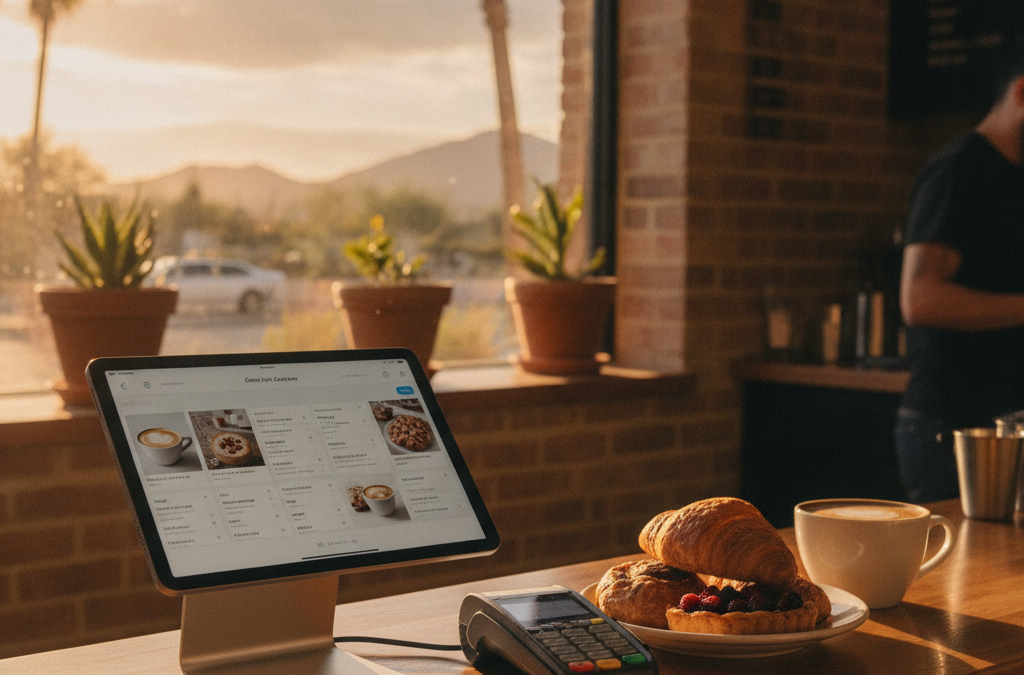
If you’re already using or considering a Clover POS system, this is worth a close look. Clover’s App Market includes integrations for online ordering that connect directly to your existing Clover setup. Orders placed online flow into the same system your kitchen is already using. You’re not juggling two separate platforms, and your reporting stays consolidated in one place.
This setup works especially well for quick-service restaurants, cafés, and bakeries in the East Valley — Mesa, Gilbert, Chandler — where the customer base tends to be high-volume and regulars who prefer ordering ahead. The Clover POS family includes devices from the full Station setup for a busy front counter all the way down to the compact Mini, which fits tight spaces without sacrificing functionality.
Option 2: A Dedicated E-Commerce or Virtual Terminal Gateway
For catering companies, specialty food businesses, or anyone who takes custom orders — think wedding cake orders, catering deposits, corporate meal deliveries — a virtual terminal or e-commerce gateway might actually be a better fit than a traditional online ordering platform. You can send a customer an invoice or a payment link, they pay online with a card, and the funds deposit into your account typically within one to two business days.
This approach is also useful for recurring clients, like a corporate office in North Scottsdale that orders lunch every Friday. You can set up recurring billing so you’re not chasing payments every week. The e-commerce and virtual terminal options we offer through CardPointe include exactly this kind of recurring billing and invoicing capability — without requiring you to build a full online store.
Option 3: Third-Party Apps (and When They Make Sense)
DoorDash, Uber Eats, Grubhub — these platforms have their place, but that place is limited for most independent food businesses. They’re useful for discovery (getting your name in front of new customers who haven’t heard of you yet), but the commission structure means you’re essentially paying for marketing every time someone orders. Once a customer has found you through a third-party app, the goal should be to move them to your own direct ordering channel as quickly as possible.
A few Tempe and Phoenix restaurant owners have told us they use third-party apps purely as a new-customer acquisition tool and then offer a small incentive — a free drink, a discount on the next order — to get repeat customers to order directly next time. That’s smart, and it’s exactly the kind of thinking that protects your bottom line.
What About Processing Fees on Online Orders?
Online transactions typically carry slightly higher processing rates than in-person chip card swipes, because card-not-present (CNP) transactions carry more risk of fraud. That said, the difference doesn’t have to be dramatic if you’re set up properly with a real merchant account — not a flat-rate aggregator like Square or Stripe, which charges the same rate across the board whether you’re a pizza shop doing $30,000 a month or a hobbyist selling $500 a month.
If your online order volume is meaningful — say, 20% or more of your total revenue — it’s worth asking whether a Zero Cost Processing program makes sense for your online channel. A properly structured cash discount or surcharge program can offset your processing costs on online orders, which adds up fast at scale. We can walk you through how that works without the compliance headaches.
What to Look for in a Local Payments Partner for Your Food Business
Whether you’re a bakery in Chandler, a catering company in North Scottsdale, or a fast-casual spot in Tempe, the things that matter most when choosing a payments partner for online ordering are:
- Integration with your existing POS or kitchen workflow — orders should flow in, not require manual entry
- Transparent, interchange-plus or clearly disclosed flat pricing — know exactly what you’re paying per online transaction
- Fast funding — next-day or same-day funding matters when you’re managing food costs and payroll on tight margins
- No long-term contracts — the food business changes fast; you shouldn’t be locked in for three years
- Local support you can actually reach — if your online ordering goes down on a busy Friday night in Old Town Scottsdale, you need someone who picks up the phone
National processors and big platforms are fine at processing cards, but they’re notoriously bad at personalized support for small food businesses. When something breaks or a chargeback hits your account, you want a local rep who knows your business — not a 1-800 number and a ticket queue.
Frequently Asked Questions
Can I add online ordering to my existing restaurant setup without rebuilding everything?
In most cases, yes. If you’re using a Clover POS or a CardPointe-connected terminal, we can often add online ordering or a virtual terminal payment gateway without replacing your existing equipment. The setup depends on what you currently have, which is why a quick conversation upfront saves a lot of headaches.
How long does it take to get online payments set up for a Phoenix or Scottsdale food business?
Merchant account approval typically takes one to three business days. Once you’re approved, connecting a payment gateway to an existing website or ordering platform usually takes less than a week, depending on your site setup. A virtual terminal or invoice-based setup can be live even faster.
Do I need a separate merchant account for online orders vs. in-person sales?
No. A single merchant account can handle both in-person and online transactions. In fact, running both through the same account makes your reporting cleaner and simplifies reconciliation at the end of the week.
What happens if a customer disputes an online order charge?
Online transactions (card-not-present) do carry a slightly higher chargeback risk than in-person sales. The best protection is keeping good records: order confirmation emails, delivery receipts, and clear refund policies posted at checkout. We can also walk you through chargeback protection tools that help you respond quickly and successfully when disputes do come in.
Is Clover a good fit for a catering business that takes deposits and custom orders?
Clover works well for catering businesses, especially when combined with a virtual terminal for invoicing and deposits. For businesses with complex custom orders or recurring billing for corporate clients, we sometimes recommend pairing Clover with the CardPointe Suite for its invoicing and subscription billing features. It depends on your volume and how you prefer to manage orders — that’s worth a conversation to figure out what fits your workflow.
Ready to Set Up Online Ordering and Payments the Right Way?
Whether you’re opening a new café in Gilbert, scaling up a catering operation in North Scottsdale, or just tired of paying third-party apps a third of every order, Good Payments Merchant Services can help you build an online ordering and payment setup that actually works for your business — not against it. No long-term contracts, no hidden fees, and a real person in the Valley you can call when something comes up.
Reach out through our contact page to schedule a free consultation. We’ll take a look at what you’re currently paying, what your ordering setup looks like, and give you an honest recommendation — even if that means telling you your current setup is already pretty good.